Windows 11 Lab Tests: Up to 20% Faster on 8-GB PCs
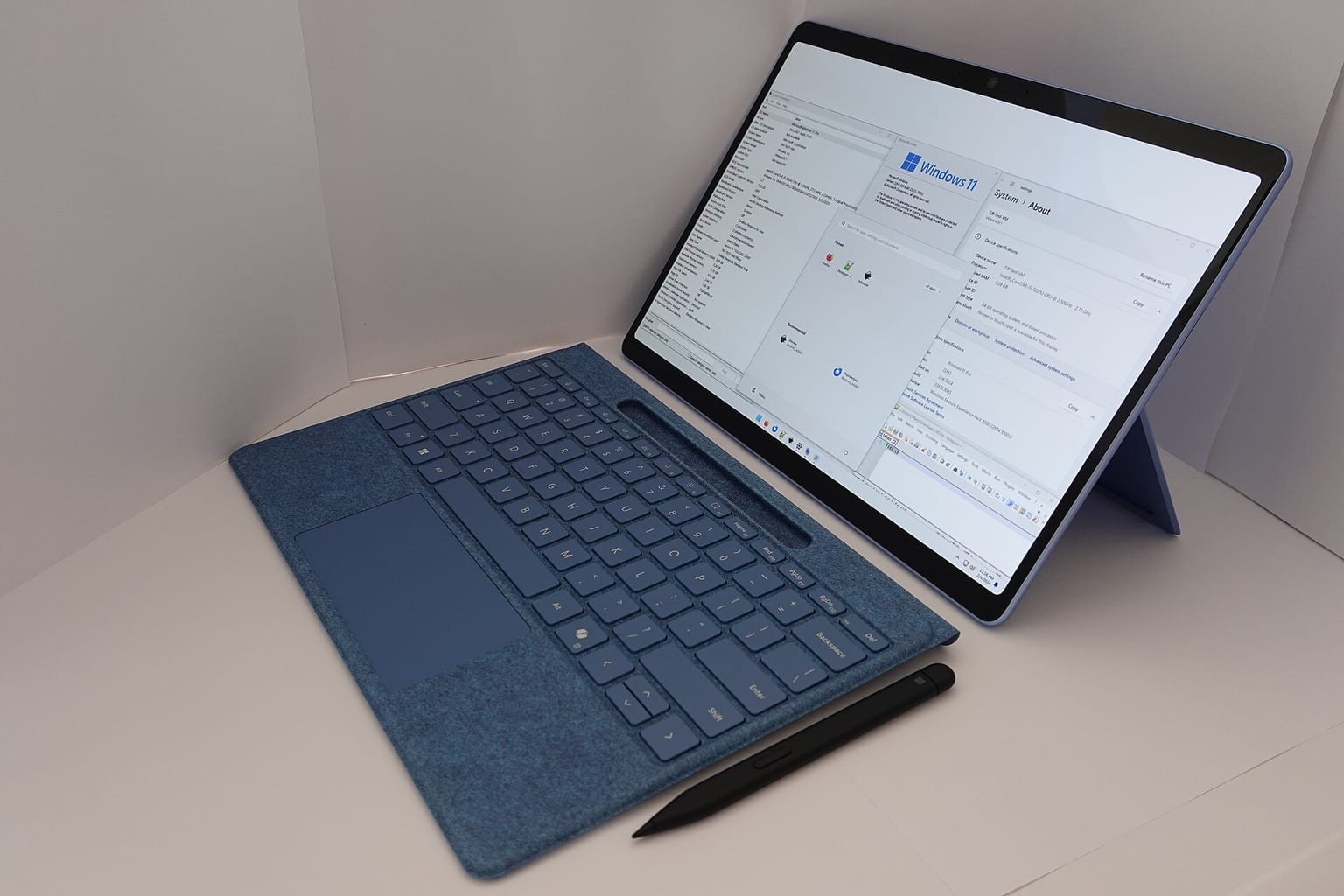
After a restart caused by a Windows update, a budget device with 8 GB of RAM should soon feel faster in what Microsoft describes as the result of its work. According to the company, the Start menu, search, context menu, Settings and File Explorer respond up to 20% faster than with the January 2026 update. Microsoft measured this in internal lab tests and published the results in a blog post.
The memory appetite of current Windows versions is also becoming a problem for new devices, because memory has become more expensive. Microsoft announced measures in March to reduce the requirement and now says initial goals have been reached. The new mechanism had already surfaced in May in the Insider previews, back then still as a short-term CPU boost under the name Low Latency Profile. Today, Windows briefly prioritizes requested tasks and puts background work on hold while the user is active.
The second lever is memory management. With compression, systems with little RAM keep up to 2 GB more active data in memory, instead of swapping it out to slower drives, according to Microsoft. In a company video, an 8-GB PC opens 20 tabs in Edge, a 4K video and large Word, PowerPoint and Excel files one after another. That should be 40% faster than on the January 2026 release. Office benefits too: Word, PowerPoint, Excel and Outlook together save 360 MB of memory, and Teams starts up to 20% faster thanks to an efficiency mode that is enabled by default. The WhatsApp Windows app is said to use a double-digit percentage less memory.
For buyers of new devices, Microsoft shows in a commissioned test that a 2026 Dell XPS 13 with 8 GB delivers up to 94% more multi-core performance than the 2021 8-GB model. The company is indirectly promoting new hardware with this, and the figure comes from a test Microsoft commissioned itself. Anyone with an older laptop with 8 GB can therefore take the improvements with the update, but cannot close the gap to new hardware.
Next, Microsoft wants to further optimize memory compression. Windows features and apps are to share common components instead of each bringing its own. Apps built on WinUI 3, including File Explorer, Notepad, Paint and the new Windows search, are to start faster and need less memory. Together with PC and processor makers, the company is also working to reduce the memory requirements of the hardware itself.
Sources — read the originals(Paris time)
Read next
Comments
Loading the thread…
Sign in to leave a comment. Sign in